Shoot straight into your album
Choose an in-app album before taking a photo or video. Give site records, receipts and whiteboards a place of their own.
 WorkRoll
YOUR WORK ALBUMS. ON IPHONE.
Keep work in its own albums.
Keep your personal library personal.
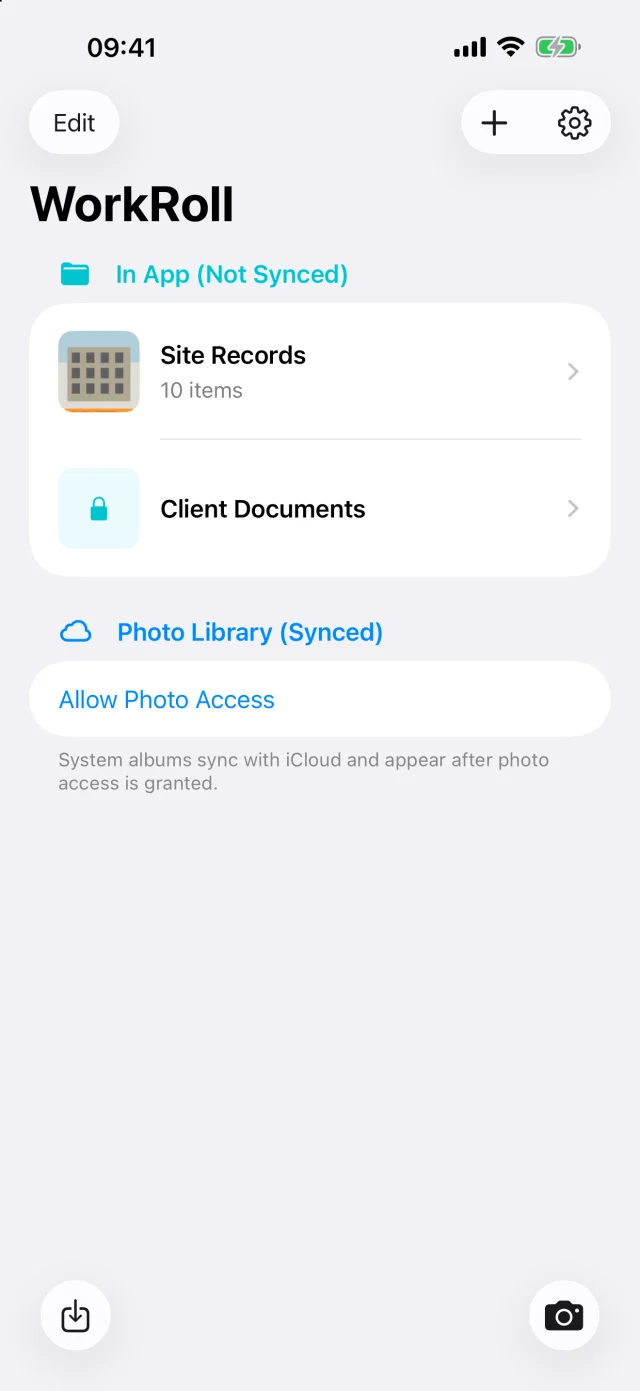
No more digging through your personal photos at the end of the day.
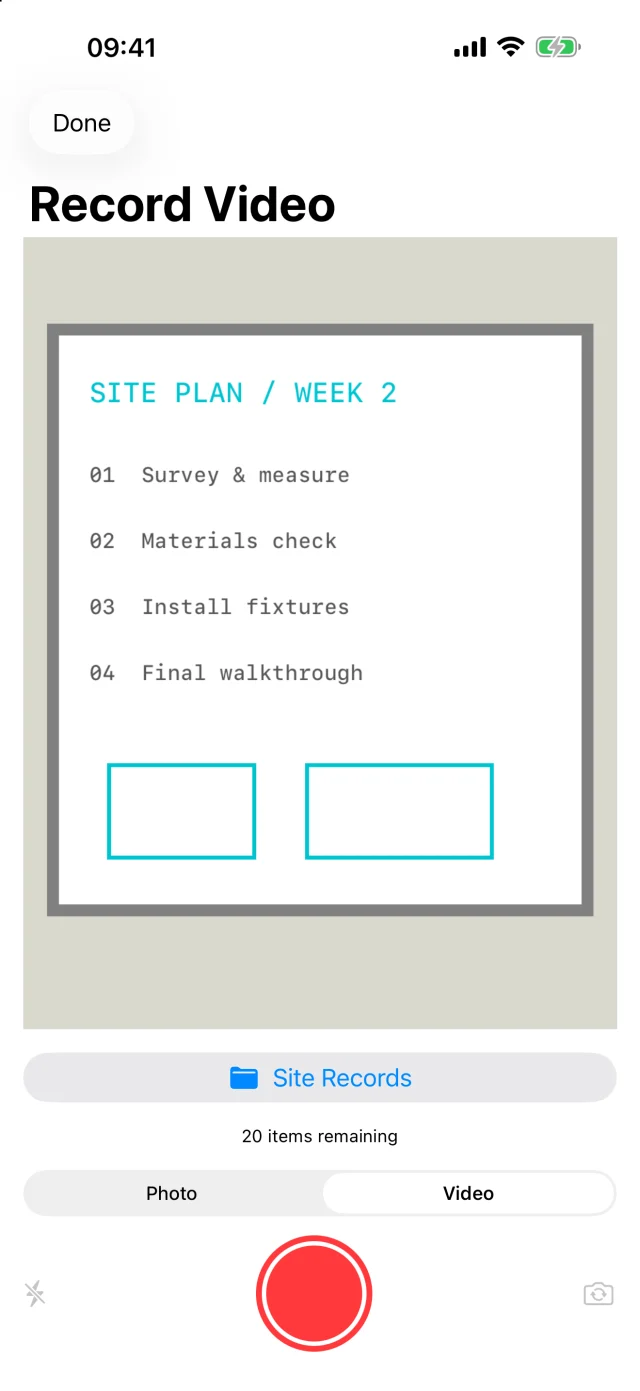
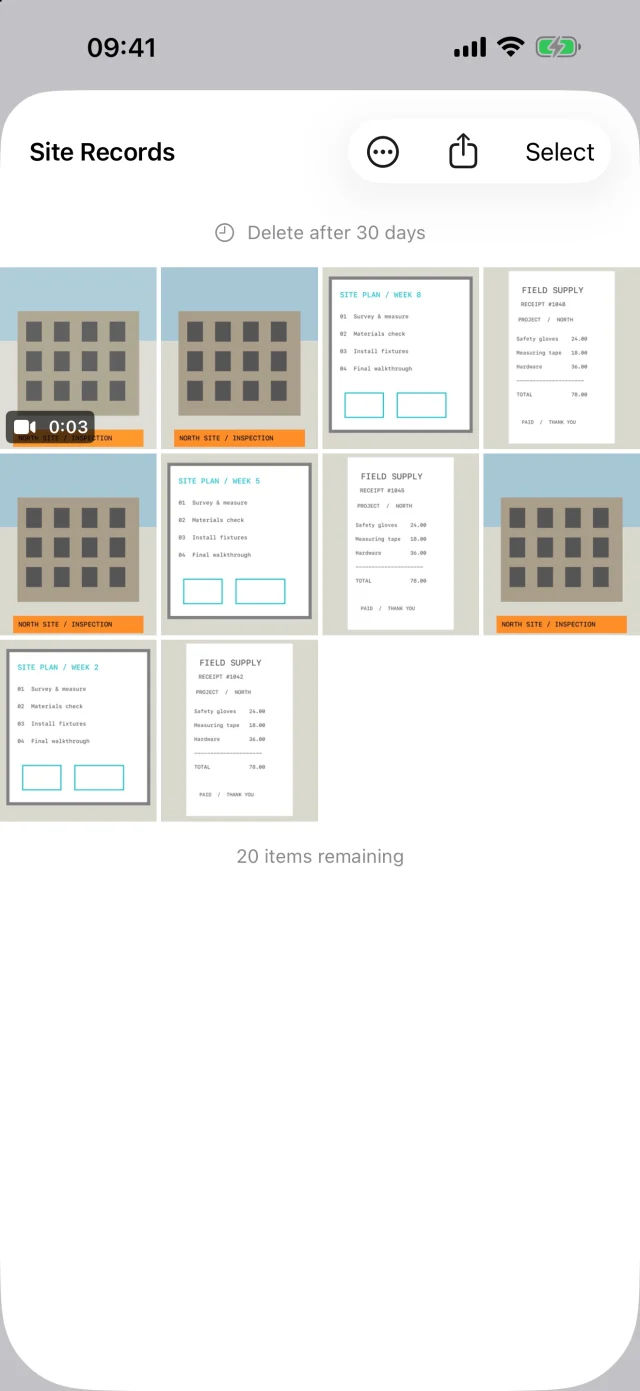
Choose an in-app album before taking a photo or video. Give site records, receipts and whiteboards a place of their own.
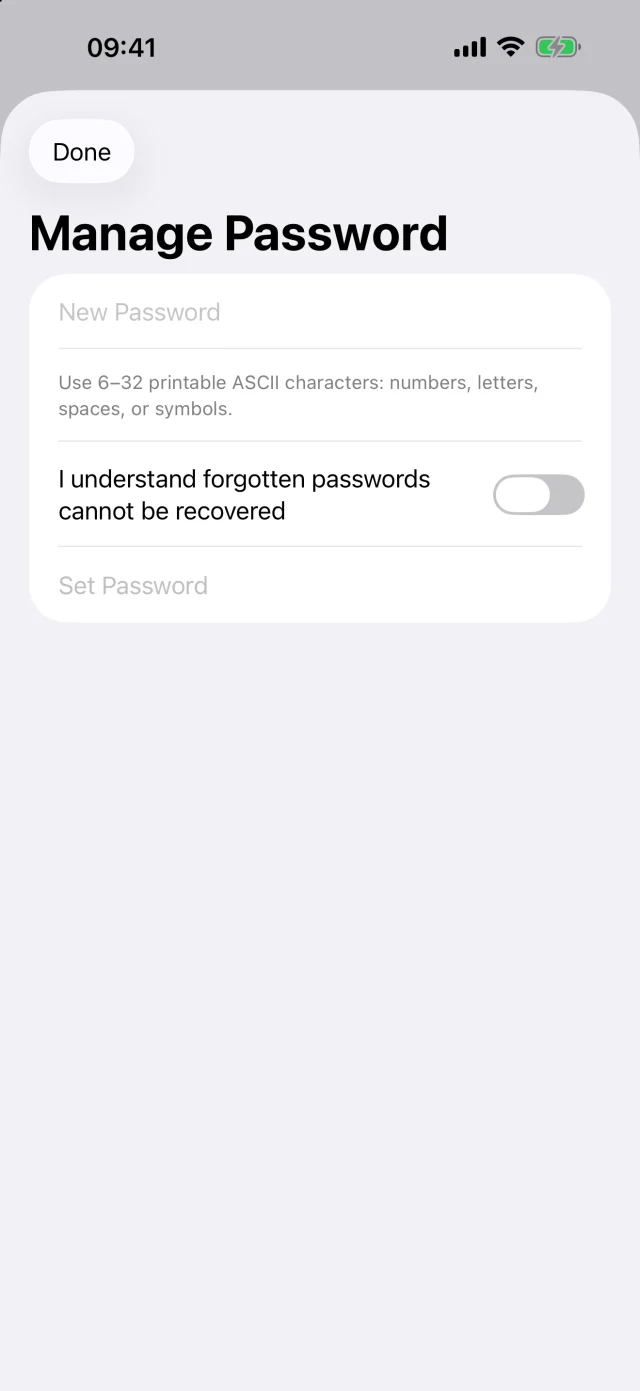
Set album passwords or enable the Face ID app lock to keep casual browsing away from your work.
Add captions to keep the details with your photos. Use the share extension to bring content into WorkRoll from other apps.
Share an album or export its photos and videos to Files. Save important media back to system Photos when needed.
No account needed. WorkRoll does not upload your photos or videos to our servers.
Read our privacy policyIn-app media does not sync to iCloud Photos. When you share or export, you choose where it goes.
Include in iPhone iCloud Backup is off by default. Enable device backup in Settings, or export important media yourself.
WORKROLL PRO
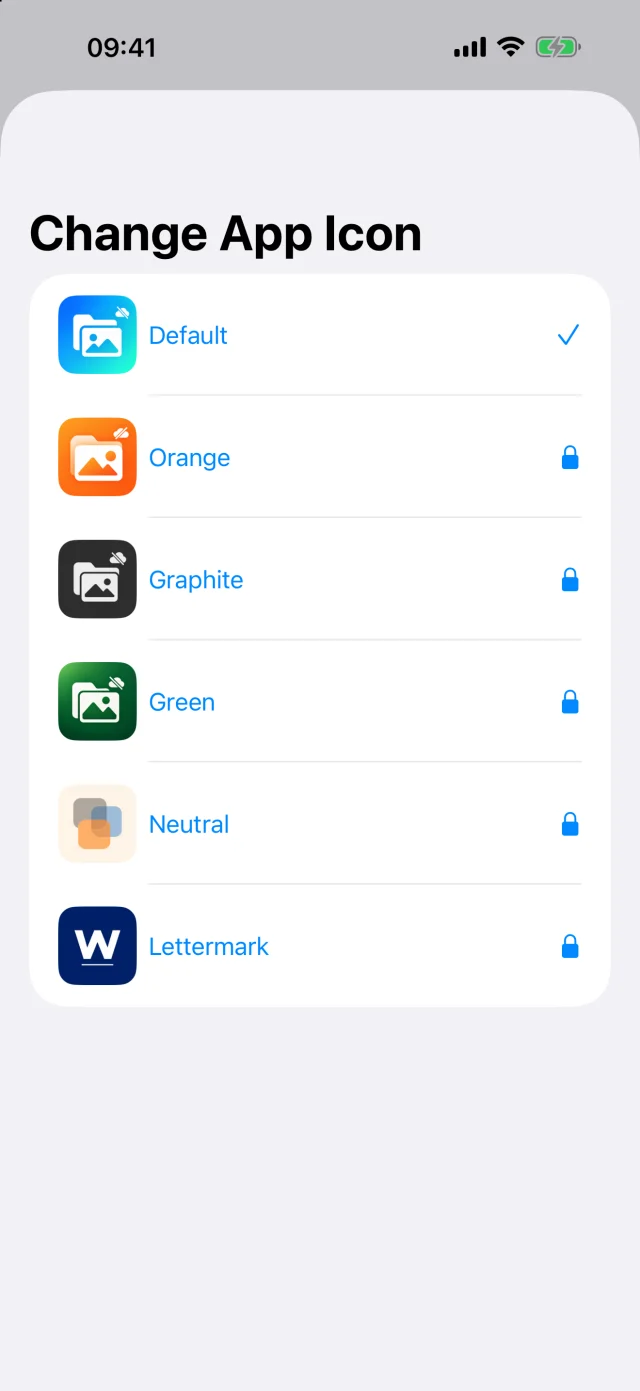
Start with the free version. Unlock Pro in the app when you need higher limits and more personal choices.
In-app albums live inside WorkRoll. They are not automatically added to system Photos and do not sync to iCloud Photos. You can still export, share or save them back to Photos.
Yes. Enable Include in iPhone iCloud Backup in Settings to include media in device backup. It is off by default and is not iCloud Photos sync. You can also keep a copy with Export to Files.
Deleting the app deletes its in-app photos and videos. With backup off, media stays only on this iPhone and is also lost if the phone is lost. Export important media first. Reinstalling or restoring purchases does not restore photos.
We cannot access, reset or recover your album passwords. Keep them safe. Album passwords and app lock restrict access; they are not forensic-grade encryption.
A place for work. A little more space for life.